What is a VPN? Do You Actually Need One?
Separating marketing hype from reality. Learn exactly what a VPN does, what it protects against, and when you can safely skip using one.
- Written by
- TraceThatIP Team
- Published
- Reading time
- 3 min read
What is a VPN?
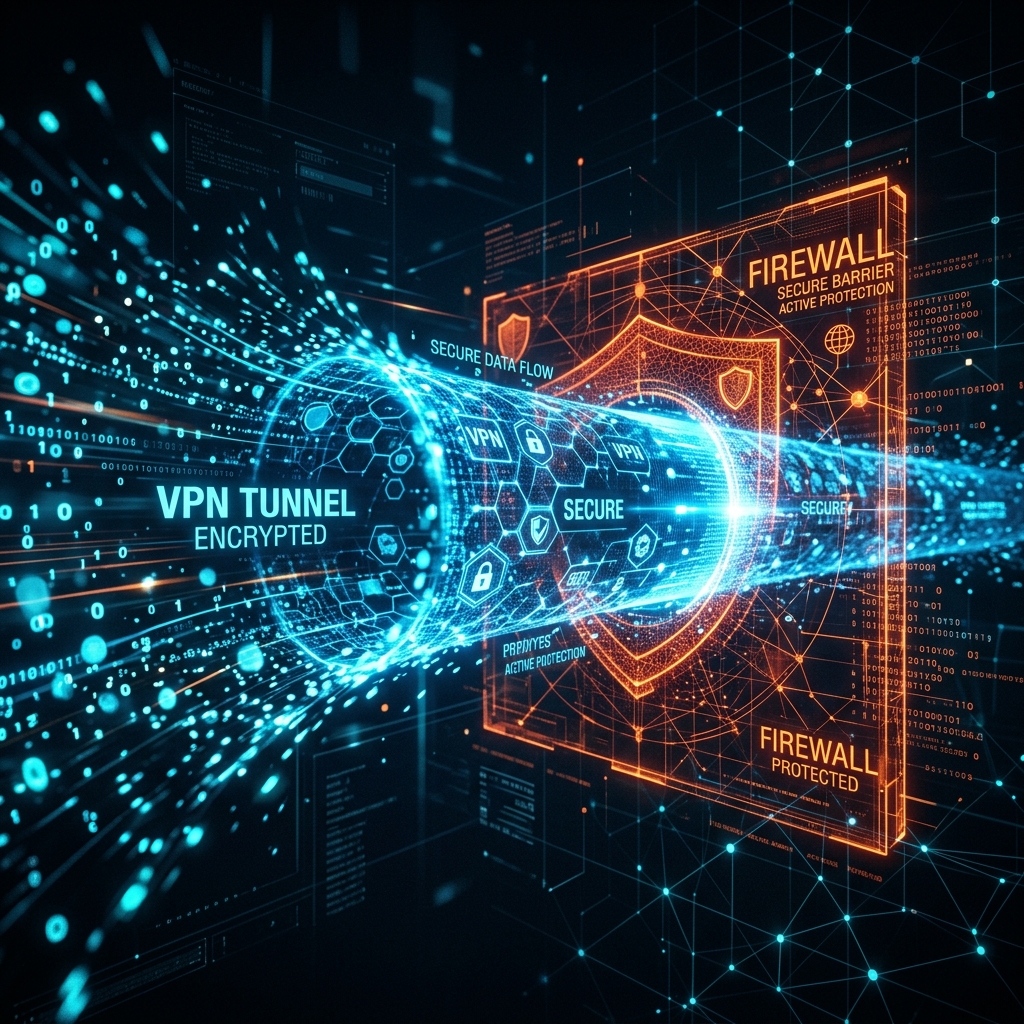
A VPN (Virtual Private Network) is a service that creates an encrypted tunnel between your device and a remote server.
Normally, your internet traffic flows directly from your device, through your Internet Service Provider (ISP), to the website you are visiting.
With a VPN, your traffic is encrypted on your device, sent to the VPN server, decrypted, and then forwarded to the website.
- The website sees the VPN's IP address instead of yours.
- Your ISP sees encrypted gibberish instead of the websites you are visiting.
The VPN Marketing Myth
If you watch YouTube or listen to podcasts, you have heard the ads: "Use our VPN to secure your bank details from hackers, protect yourself from identity theft, and encrypt your data!"
Much of this marketing is outdated or exaggerated.
Over 90% of the modern web uses HTTPS (the padlock icon in your browser). HTTPS already encrypts the data between you and the website.
- A hacker on public Wi-Fi cannot read your bank password.
- Your ISP cannot see the messages you send.
- Identity thieves cannot intercept your credit card data.
HTTPS already solved the problems that VPN companies claim to fix.
What a VPN Actually Does in 2026
While they won't stop identity theft, VPNs are highly useful for specific, legitimate reasons.
1. Changing your IP Address and Location
When you connect to a VPN server in Japan, websites think you are in Japan. This is the primary reason people use VPNs today. It allows you to:
- Bypass geographic restrictions (e.g., watching streaming content licensed only in certain countries).
- Bypass censorship (accessing blocked websites in restrictive countries).
- Prevent websites from knowing your real physical location. (You can test this using our IP Lookup tool).
2. Hiding Browsing Habits from your ISP
While HTTPS encrypts what you do on a website, it does not hide which website you are visiting. Your ISP knows you visited reddit.com, they just don't know which subreddits you looked at.
A VPN hides the destination. Your ISP only knows you connected to a VPN server; they have no idea where you went after that.
3. Masking your P2P Activity
If you use BitTorrent or other peer-to-peer file sharing, your real IP address is broadcast to everyone else downloading that file. A VPN masks your real IP, protecting you from copyright trolls and ISP throttling.
4. Protecting Against Specific Network Restrictions
If you are at a school or office that blocks YouTube or Reddit, a VPN bypasses those local network blocks.
Do You Need a VPN?
You DO NOT need a VPN if:
- You just want to check your bank account at a coffee shop (HTTPS protects you).
- You think it acts as an antivirus (it doesn't stop you from downloading malware).
- You want to be 100% anonymous (VPN companies can still see your traffic, you are just trusting them instead of your ISP).
You DO need a VPN if:
- You want to change your apparent geographic location.
- You torrent files.
- You live in a country with strict internet censorship.
- You don't trust your ISP and prefer to trust a third-party privacy company instead.
Summary
A VPN is a tool to shift trust from your ISP to a VPN provider, and a tool to mask your IP address. It is not a magic shield against hackers. Use it if you need to hide your IP address, but don't feel pressured to buy one out of fear for your basic security.